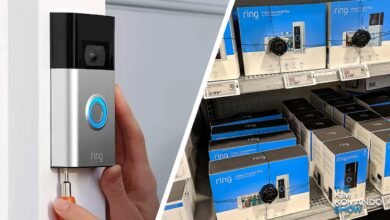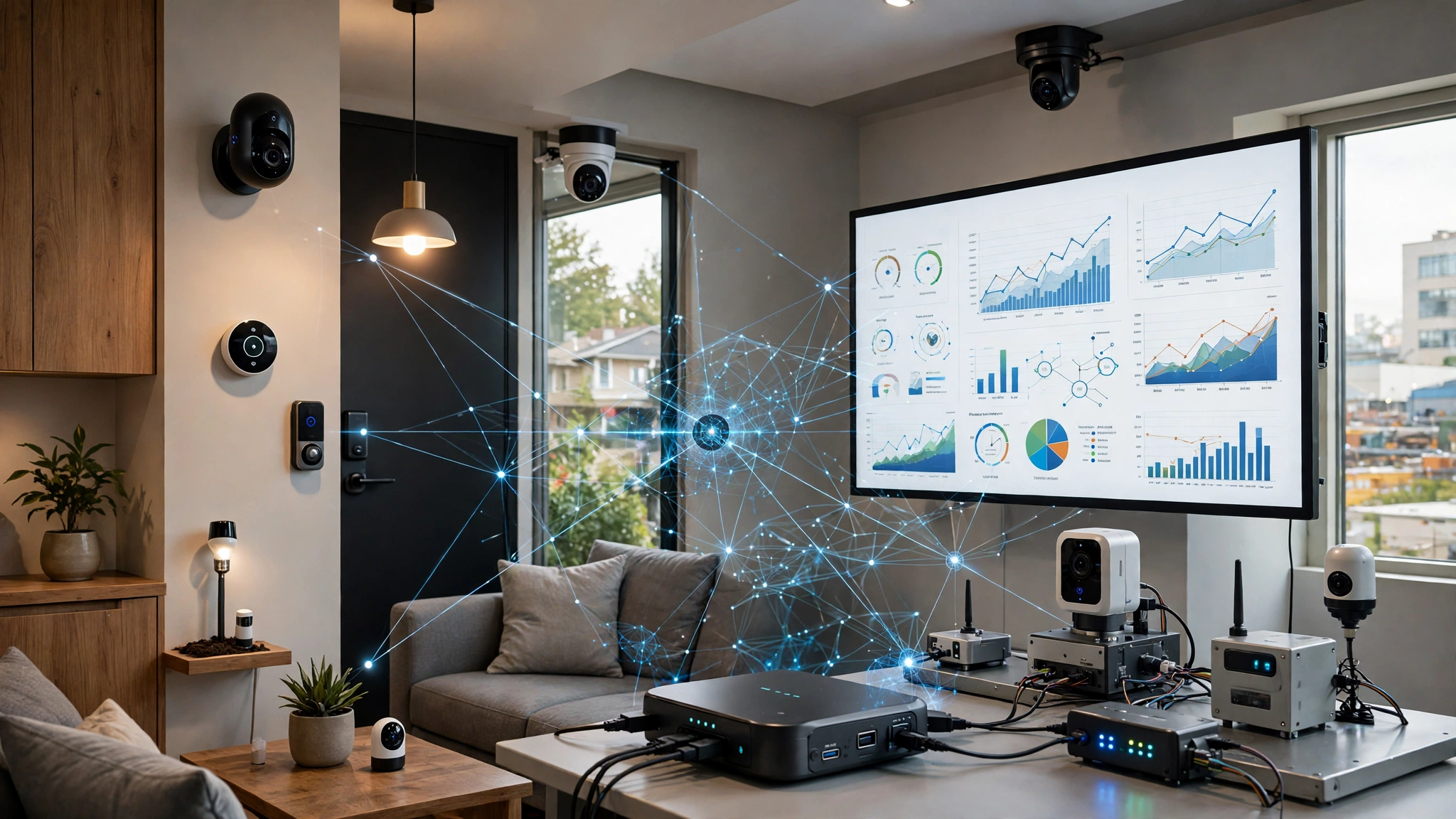
A small shop owner I know bought a twenty-dollar smart camera to watch the stockroom. Within a week it was doing something she never expected: it told her phone the difference between a delivery driver, a customer who wandered in, and the cat that sleeps on the boxes. No monthly plan, no server, no IT department. The camera was doing the thinking itself.
That is AI at the edge in plain language. Instead of sending every video frame to a faraway data centre, the device runs a small AI model right where it sits. It decides on the spot what matters and only sends the useful part onward, or nothing at all.
For a small business, that shift matters for two reasons: cost and privacy. Edge devices have become cheap, and many work without a subscription. And when the video never leaves your building, there is far less data to protect. Both of those used to be enterprise advantages. Now they fit in a shoebox-sized order from an online store.
What edge AI actually does for a small business
Strip away the marketing and edge AI does three useful things: it watches, it counts, and it warns.
Security that filters the noise. Traditional cameras record everything and bury you in alerts. An AI camera sends an alert only when it sees a person, a vehicle, or a package, and it can tell those apart. A shop with one camera at the back door and one at the till can cut false alerts from dozens a day to two or three. That is the difference between a system you check and a system you mute.
Equipment that tells you it is about to fail. A small sensor stuck to a fridge, a freezer, or a delivery van can track temperature and vibration. When the pattern drifts from normal, you get a warning days before a breakdown. For a cafe, a florist, or a pharmacy, one saved fridge of stock pays for the whole setup.
Counting people and stock without counting by hand. A door sensor that counts visitors tells a retailer which hours are actually busy, so rosters match reality instead of guesswork. A shelf camera that notices empty spots can flag restocking before a customer asks.

Voice and routine jobs. A voice assistant in a small office can take a message, set a reminder, or read out the day’s appointments. Paired with a smart plug or thermostat, it can also run the opening and closing routine: lights, temperature, and the sign, switched on and off at the same time every day without anyone remembering.
What it really costs
The honest answer is: less than most owners expect, and the money goes to different places than they assume.
A decent AI camera costs roughly 30 to 80 dollars. A temperature or door sensor costs 10 to 25 dollars. A small hub that ties them together, if you need one at all, costs 30 to 60 dollars. Many devices work with a free phone app and no hub.
The running cost is where edge AI earns its keep. Because the device does the thinking locally, most of these gadgets work with no monthly fee. The features that do cost money are usually cloud recording and long video history. If you only need alerts and a live view, you can often skip the subscription entirely. When you compare two cameras, the real question is not the sticker price but what stops working if you never pay a subscription. Choose the one that keeps its core features free.
There are two hidden costs to budget for. The first is decent Wi-Fi. A camera at the far end of a warehouse on a weak signal will drop out exactly when you need it. A 20-dollar Wi-Fi extender, or moving the router, usually solves it. The second is your time: about an hour to set up the first device, then ten minutes for each one after that.
Where it falls short
Edge AI is good at narrow jobs and bad at everything else, and knowing the boundary saves a lot of frustration.
Accuracy is good, not perfect. A camera can mistake a large dog for a person, or miss a person in heavy rain. False alerts drop sharply compared with old motion detection, but they do not reach zero. If a false alert would wake you at 3 a.m., set quiet hours and let the device record silently instead.
Cheap hardware has limits. A 30-dollar camera runs a small model. It recognises a person and a package, but it will not read a number plate at night or recognise individual faces reliably. If you need that level of detail, you need a better camera, better light, or both.
It still depends on power and Wi-Fi. Edge processing survives an internet outage better than cloud cameras do, since the device keeps deciding locally, but it cannot send you the alert until the connection returns. For anything critical, like a freezer alarm, pick a sensor that can also beep on the spot.
Keeping your data private
A camera that watches your shop also watches your staff and your customers, so privacy is not an optional extra. The good news is that edge devices make privacy easier, not harder, if you set them up right.
Keep as much processing local as you can. If the camera offers local storage on a memory card or a small hub, use it instead of cloud recording. Turn off cloud uploads for cameras in staff-only areas, and set recordings to delete after a few days rather than forever.
Check what the device sends out. Most apps have a privacy or data section that shows whether clips, audio, or analytics leave the device. Turn off anything you do not need, especially voice recording history and automatic clip sharing.
Lock the accounts. Every smart device has an app account, and that account is the real front door. Use a long unique password for it and turn on two-factor authentication wherever it is offered. If you are not sure how to set that up for a team, this guide on whether password managers are safe walks through it step by step. And since a phishing email that steals one password can hand over the whole camera account, it pays to know how to spot a phishing email before the fake “your camera needs an update” message arrives.
Update the firmware. Manufacturers patch security holes after launch, and a camera that never updates keeps every hole it was born with. Turn on automatic updates where the device offers them, and check the app once a month for the rest.
Finally, tell your team what the devices do and where they are. A camera nobody knows about creates more trouble than a camera everyone knows about, and in many places you are legally required to tell staff and visitors. A short note at the entrance and a line in the staff handbook covers it.
A starter setup for one small business
If you want to try this without overhauling anything, here is a setup that fits most small shops, cafes, and offices.
- Buy one AI camera for the entrance or the stockroom, and one temperature sensor for the fridge or the server corner. Keep the total under 150 dollars.
- Put both devices on a guest or separate Wi-Fi network if your router offers one, so a hacked camera cannot reach your computers.
- Set the camera to alert only on people, set quiet hours overnight, and switch on local recording to a memory card.
- Set the temperature sensor to warn you if the reading moves outside its normal range, and test it once by holding the sensor in your hand.
- Run it for two weeks. Count the alerts that mattered and the ones that did not, then adjust the detection zone and sensitivity once.
If those two weeks save you one missed delivery, one spoiled fridge, or one hour of guessing footfall, the system has paid for itself. Then add a second camera or a door sensor, one device at a time, instead of buying everything at once.
The bottom line
AI at the edge is not about buying smarter gadgets. It is about moving a small amount of thinking into the device itself, so a small business gets useful alerts without a subscription, a server, or a pile of video in someone else’s cloud.
Start with one clear problem, a camera or a sensor that solves it, and settings you actually checked. The technology is ready. The budget is small. The main work is choosing the right job for it and keeping the data it collects under your own control.
About the author: Sobia Aslam is the founder and editor of nexvolu.com, where she writes about AI, technology, and digital marketing for small businesses.